Best for
Apartments, smaller homes, simple home-office networks, and first-time mesh users.
IT-informed recommendation
Secure Amazon checkout
No added affiliate cost
Current product details from Amazon
Editorial verdict
The eero is a practical mesh Wi-Fi option for users who prioritize easy setup and simple management. It makes the most sense in smaller spaces or as the starting unit for a larger eero network.
Apartments, smaller homes, simple home-office networks, and first-time mesh users.
You need multi-gigabit performance, extensive manual controls, or coverage for a large multi-story property from one device.
Editorial analysis of verified specifications and intended use. No hands-on testing is implied.
Key benefits
1,500 sq. ft.
Best treated as a practical coverage estimate for smaller or less obstructed layouts rather than a guarantee for every floor plan.
Up to 550 Mbps
Useful as a planning ceiling when matching the device to a current broadband plan and the demands of streaming, calls, and everyday work.
Mesh-ready
The platform can scale more gracefully than a single router when additional compatible nodes are available.
App-based
Setup and maintenance are aimed at buyers who want less networking friction and faster day-to-day management.
Specifications
Editorial analysis
This single eero unit is most comfortable in apartments, condos, and smaller homes where one node can cover the main living area without fighting several dense walls or floor separations. It works best when buyers treat it as the starting point of a mesh system rather than a one-box answer for every property size.
For remote work, video meetings, streaming, and everyday browsing, the eero keeps the focus on consistent whole-home coverage and simple management. It is a better fit for users who value reliability and easy setup than for buyers who want to tune advanced routing behavior manually.
The strongest argument for the eero platform is expandability. If coverage needs grow, compatible eero units can extend the network more gracefully than a standalone router plus scattered range extenders. That makes it practical for households that may add rooms, devices, or work-from-home demands over time.
App-based management lowers the barrier to entry, which is useful for buyers who do not want to maintain a networking hobby. The tradeoff is that advanced users may want more direct control over routing features, VLAN design, or fine-grained policy settings than this product is built to expose.
Audience fit
At a glance
Practical guidance
Use the specification groups and compatibility notes below to confirm fit before buying, especially if the product will become part of a broader network setup.
Alternatives
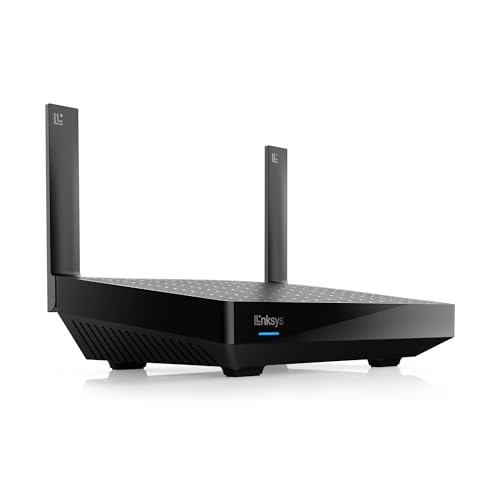
Wi-Fi Routers
Why it is an alternative: Another mesh-oriented option for buyers comparing whole-home coverage approaches with Amazon eero Mesh Wi-Fi Router.
Who should choose it instead: Choose this instead if homes with Wi-Fi dead zones is a better fit for your network.
Main difference: Coverage: 2,700 Sq Ft
Purchases are completed on Amazon. Sun Life Tech may earn a commission from qualifying purchases at no additional cost to you.
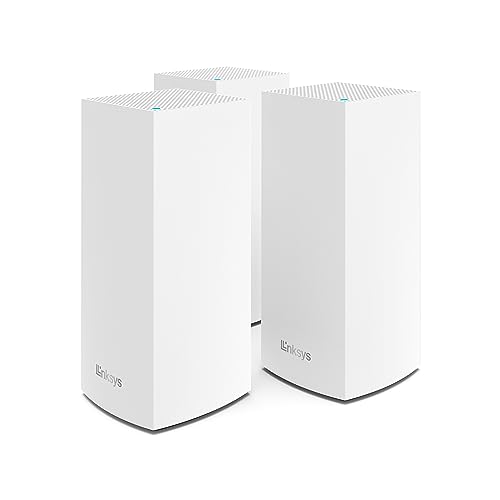
Wi-Fi Routers
Why it is an alternative: Another mesh-oriented option for buyers comparing whole-home coverage approaches with Amazon eero Mesh Wi-Fi Router.
Who should choose it instead: Choose this instead if homes with Wi-Fi dead zones is a better fit for your network.
Main difference: Expandability: Mesh-ready
Purchases are completed on Amazon. Sun Life Tech may earn a commission from qualifying purchases at no additional cost to you.
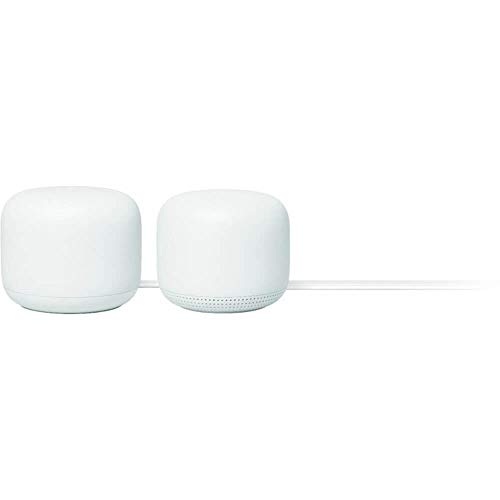
Wi-Fi Routers
Why it is an alternative: Another mesh-oriented option for buyers comparing whole-home coverage approaches with Amazon eero Mesh Wi-Fi Router.
Who should choose it instead: Choose this instead if homes with Wi-Fi dead zones is a better fit for your network.
Main difference: Expandability: Mesh-ready
Purchases are completed on Amazon. Sun Life Tech may earn a commission from qualifying purchases at no additional cost to you.
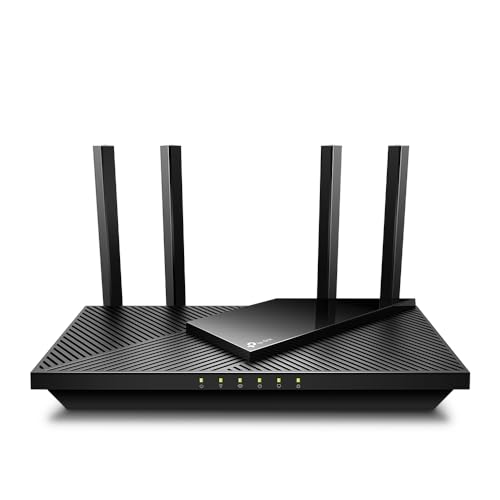
Wi-Fi Routers
Why it is an alternative: Another mesh-oriented option for buyers comparing whole-home coverage approaches with Amazon eero Mesh Wi-Fi Router.
Who should choose it instead: Choose this instead if homes with Wi-Fi dead zones is a better fit for your network.
Main difference: Expandability: Mesh-ready
Purchases are completed on Amazon. Sun Life Tech may earn a commission from qualifying purchases at no additional cost to you.
FAQ
Usually not. A single unit is better suited to smaller homes or apartments. Larger or multi-story spaces often benefit from adding more compatible eero nodes.
That is the main appeal of the platform. Buyers already using eero hardware can often add another compatible unit to improve coverage rather than replacing the entire network.
Not usually. Buyers who want deep manual control, enterprise-style segmentation, or multi-gigabit performance often prefer more advanced router platforms.
Related products
700 Sq Ft | Speeds of up to 5.4 Gbps | LN3121-AMZ | 2024 Release
Mesh for Wireless Internet Wi-Fi Extender Smart Speaker Works and Google Home Systems Snow
Dual Band Wireless Internet, Gigabit, Easy Mesh, Works With Alexa - A Certified for Humans Device
Affiliate disclosure
Sun Life Tech links to Amazon for checkout. If you buy through an eligible link, Sun Life Tech may earn a commission at no additional cost to you.
Amazon eero Mesh Wi-Fi Router
Check Price on Amazon